
Less clutter.
More room
for you.
Find the files you no longer need. Organize photos, explore your apps, and make space for what matters.
For Android You choose what stays
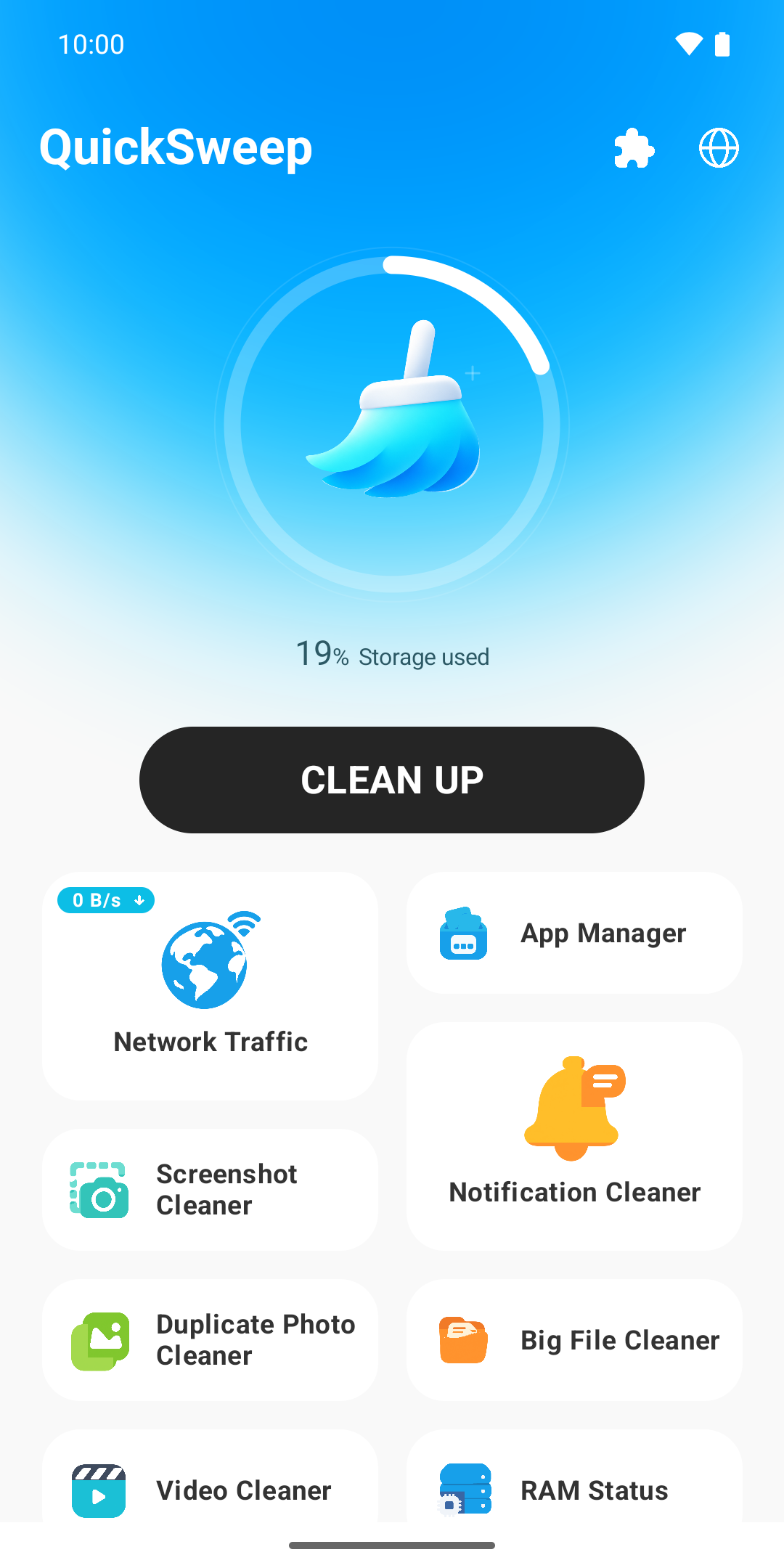
Review before deleting
Photo scans on your device
Permissions in your control
A little order.
A lot more space.
Everyday tools for the phone you use every day.
Three steps to a clearer phone.
Take a look
See what is taking up space.
Make your choice
Review files and keep what matters.
Clear some room
Delete only what you select.
Features depend on your device, Android version and permissions. Review your selection and back up important files before deleting.
Your phone. Your choices.
Photo comparisons happen on your device. You decide which files to delete and which permissions to allow.
Read our Privacy Policy